Author Description
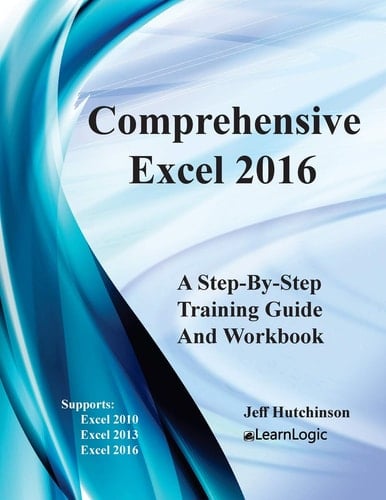
This Step-By-Step Workbook will guide you through learning every aspect of using Excel program. This comprehensive workbook/guide combines Excel Level 1, 2 and 3 into a single book. It can be used by a beginner to understand core concepts, and an advanced student to learn the "in's and out's" of Excel. Included are over 400 Practice Exercises that demonstrate how to use Excel concepts. They can also be used as a reference guide to quickly look up specific topics. What's is in the workbook? Click on the left side of the screen: Look Inside! Enter one of the following keywords: Variables, Range, Input Boxes, VB Editor, etc. Take A Class: http://www.elearnlogic.com/download/schedule18.pdf This valuable workbook/guide is broken into 5 major categories below: Introductory Concepts - The chapters in this group will cover three major Excel categories including Formulas, Formatting, and Printing. It also covers Sum, Average, Minimum, Maximum, Cell Manipulation, Sheet tabs, Backstage View, Font, Alignment, Number, Borders, and Fill Cell features, Print Area, Scale a sheet, Manipulating Columns and Rows. Intermediate Formulas - The primary skills covered in this group of chapters are Formulas and Functions including Name Ranges, Statistical, Text, Date/Time, Financial, Informational, Math/Trig, Logical IF Statements, Lookup, as well as Database functions. Major Components - The three major components of Excel (in this group) include Tables, Charts, and PivotTables. PivotTables will cover Filtering, Formatting, PivotCharts, Label Adjustments, and Calculation Capability. Advanced Features - In this group of chapters, students will learn the advanced "in's and out's" of Excel including protection, share a workbook, track changes, data validation, dropdown lists, macros, error checking, what-if ana
Page Count:
222
Publication Date:
2017-09-18
ISBN-10:
1976539420
ISBN-13:
9781976539428