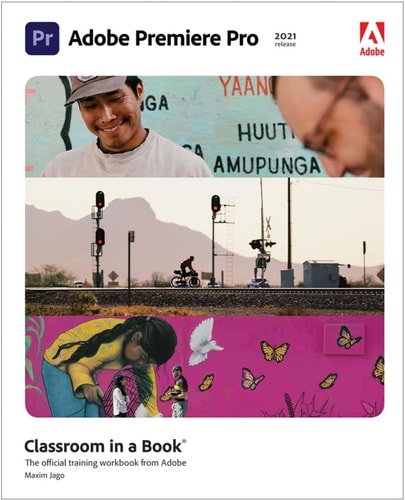
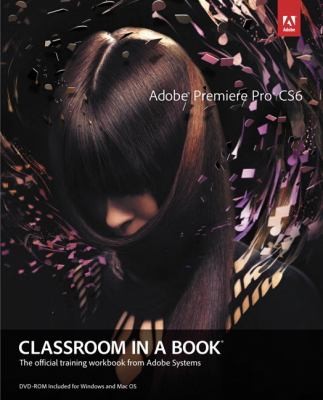
Adobe Premiere Pro Classroom in a Book 2024 Release
0
0
As an Amazon Associate and affiliate partner, Menrva Books earns from qualifying purchases. Learn more
Author Description
The fastest, easiest, most comprehensive way to learn Adobe Premiere Pro Adobe Premiere Pro Classroom in a Book 2024 release contains 17 lessons that use real-world, project-based learning to cover the basics and beyond, providing countless tips and techniques to help you become more productive with the program. You can follow the book from start to finish or choose only those lessons that interest you. Learn to: Edit video in Adobe Premiere Pro Use automation and AI-based features to speed up the completion of professional creative projects Organize media, combine elements as a continuous sequence, edit video using text-based editing tools, add music and background audio, apply transition effects, create titles, add video and audio effects, and add filmic looks Take your projects further by sweetening and mixing sound, retiming music, compositing footage, automatically reframing visuals, adjusting color, using advanced editing techniques, managing projects, exporting, and much more Classroom in a Book(R), the best-selling series of hands-on software training workbooks, offers what no other book or training program does--an official training series from Adobe, developed with the support of Adobe product experts. Purchasing this book includes valuable online extras. Follow the instructions in the book's "Getting Started" section to unlock access to: Downloadable lesson files you need to work through the projects in the book Web Edition containing the complete text of the book, interactive quizzes, and videos that walk you through the lessons step by step What you need to use this book: Adobe Premiere Pro 2024 Release software, for either Windows or macOS. (Software not included.)
Menrva's Summary
THE THESIS
This book provides a comprehensive, project-based guide to mastering Adobe Premiere Pro 2024. It is structured into 17 lessons designed to teach users how to edit video, organize media, and utilize advanced features like text-based editing, automation, and AI tools. The book aims to equip users with the skills to enhance audio, composite footage, adjust color, and manage projects efficiently, culminating in professional export techniques.
THE SCOPE MAP
- Edit video in Adobe Premiere Pro
- Utilize automation and AI-based features for efficient project completion
- Organize media and combine elements into sequences
- Perform video editing using text-based editing tools
- Add and manipulate music and background audio
- Apply transition effects and create titles
- Incorporate video and audio effects, and apply cinematic looks
- Sweeten and mix sound, retime music, composite footage, and automatically reframe visuals
- Adjust color and employ advanced editing techniques
- Manage projects and export final video content
THE AUTHORITY PERSPECTIVE
As part of the 'Classroom in a Book' series, this title is officially endorsed by Adobe and developed with product experts, suggesting a high degree of accuracy and practical relevance. The structure of project-based lessons and the inclusion of downloadable files and online resources like interactive quizzes and videos indicate a thorough and user-friendly learning experience. The content covers a wide range of functionalities from basic editing to advanced compositing and color correction, catering to users looking to become productive with the software. The emphasis on real-world projects ensures that learners can apply their skills directly to practical video production tasks.
Page Count:
512
Publication Date:
2024-01-01
Publisher:
Adobe Press
ISBN-10:
0138318565
ISBN-13:
9780138318567
Non-Fiction
Self-help
Digital Media
Software Training
Community Tags
Similar Books