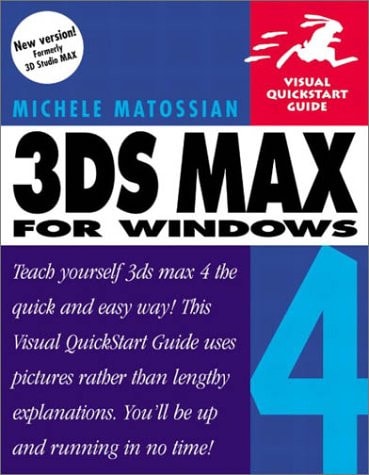
3DS Max 4 for Windows: Visual QuickStart Guide
0
0
As an Amazon Associate and affiliate partner, Menrva Books earns from qualifying purchases. Learn more
Author Description
Explains how to create, model, map, animate, and render objects with the 3ds max 4 desktop graphics program. Step-by-step instructions with screenshots are provided to illustrate operations for navigation, object animation, editing meshes, compound objects, using lights and cameras to illuminate scenes, and mapping surfaces. Annotation c. Book News, Inc., Portland, OR (booknews.com)
Menrva's Summary
THE THESIS
This guide investigates the fundamental operational workflows required to master the 3ds max 4 software environment for professional 3D graphics production. Michele Matossian provides a structured technical manual designed to transition users from basic interface navigation to complex scene rendering. By utilizing a task-oriented framework, the text addresses the specific mechanical requirements of modeling, animating, and lighting within the 3ds max 4 workspace.
THE SCOPE MAP
What You Will Find
- Comprehensive tutorials on 3D object creation and mesh editing techniques.
- Step-by-step instructions for implementing surface mapping and material application.
- Technical procedures for scene illumination using virtual lights and camera positioning.
- Methodologies for keyframe animation and compound object manipulation.
THE AUTHORITY PERSPECTIVE
Experts and users frequently identify this text as a practical, task-oriented reference for those transitioning into 3D design. The manual is noted for its reliance on visual aids and concise instructions, making it a functional resource for beginners navigating the software interface.
Page Count:
468
Publication Date:
2001-06-18
Publisher:
Peachpit Pr
ISBN-10:
020173429X
ISBN-13:
9780201734294
Computers
Graphic Design
Technology
Community Tags
Similar Books