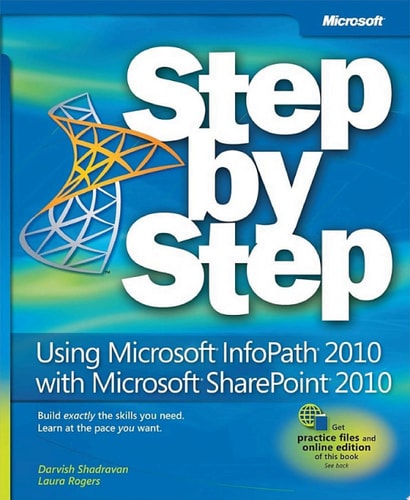
Using Microsoft InfoPath 2010 with Microsoft SharePoint 2010 Step by Step
0
0
As an Amazon Associate and affiliate partner, Menrva Books earns from qualifying purchases. Learn more
Author Description
The smart way to learn how to build InfoPath forms for SharePoint—one step at a time! Quickly teach yourself how to use Microsoft InfoPath 2010 to create electronic business forms for Microsoft SharePoint 2010. With Step by Step, you set the pace—building and practicing the skills you need, just when you need them! Design and build InfoPath forms without writing code Add approval workflows to your InfoPath forms Integrate data from SharePoint and other company systems Create forms that offer a rich experience in the browser Build views and dashboards to display form information Create and use forms in the cloud with SharePoint Online
Menrva's Summary
THE THESIS
This book guides users through the creation of electronic business forms for Microsoft SharePoint 2010 using Microsoft InfoPath 2010. The authors provide a step-by-step approach to learning the software, allowing users to build and practice skills at their own pace. It covers designing and building InfoPath forms without code, integrating approval workflows, and connecting to SharePoint and other company systems. The guide also details creating forms with a rich browser experience, developing views and dashboards, and utilizing forms in SharePoint Online.
THE SCOPE MAP
- Designing and building InfoPath forms without writing code
- Adding approval workflows to InfoPath forms
- Integrating data from SharePoint and other company systems
- Creating forms with a rich user experience in the browser
- Building views and dashboards to display form information
- Creating and using forms in the cloud with SharePoint Online
THE AUTHORITY PERSPECTIVE
This technical guide is structured as a step-by-step tutorial, indicating it is designed for practical application and learning. The content focuses on specific software versions, suggesting its utility for users working with Microsoft InfoPath 2010 and SharePoint 2010. The detailed breakdown of features like form design, workflow integration, and data connectivity points to a resource aimed at professionals or individuals seeking to implement these technologies.
Page Count:
480
Publication Date:
2011-10-15
Publisher:
Pearson Education
ISBN-10:
0735666709
ISBN-13:
9780735666702
Business
Non-Fiction
How To
Software
Technology
Community Tags
Similar Books